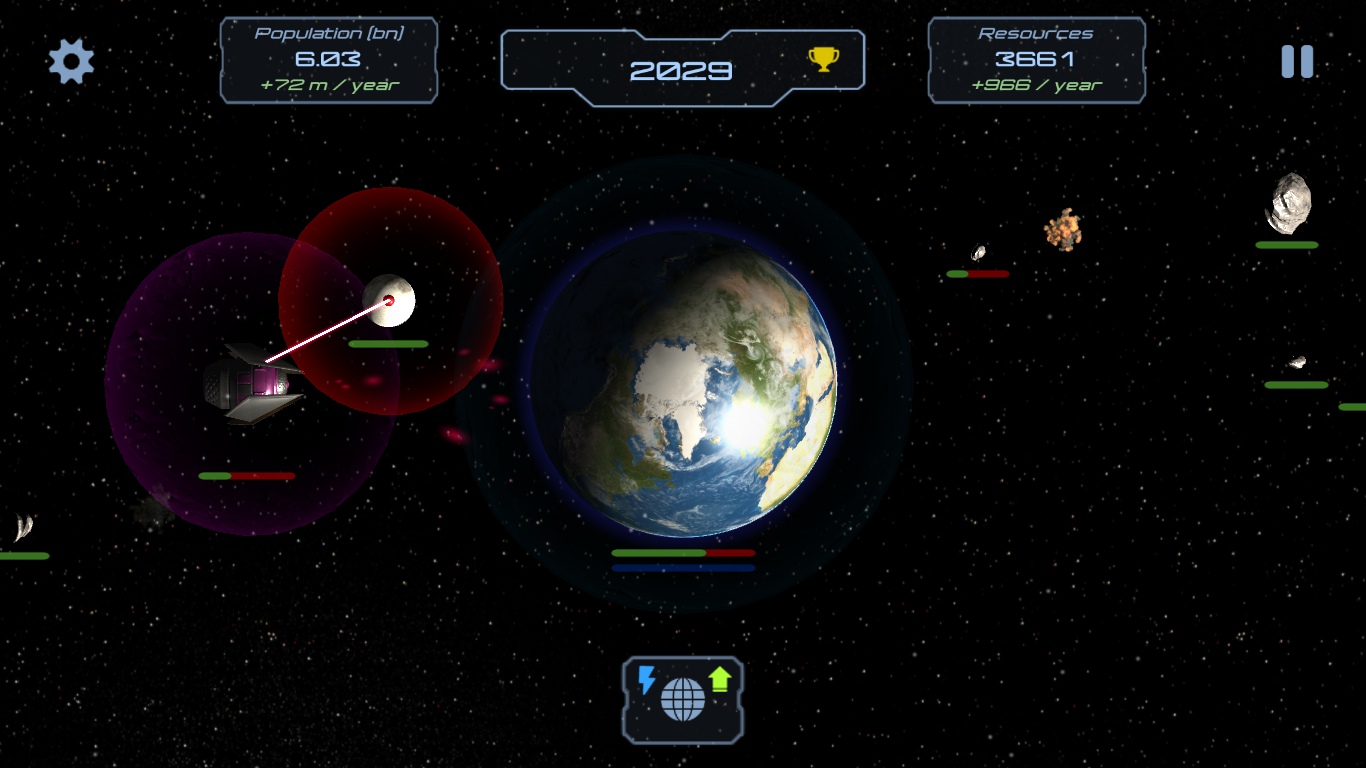
Our planet earth is facing a gigantic asteroid field which was hidden in the dark. Fortunately, the earth defence system can destroy asteroids by tapping on them.
Good luck, commander...
Highlights
Competitive
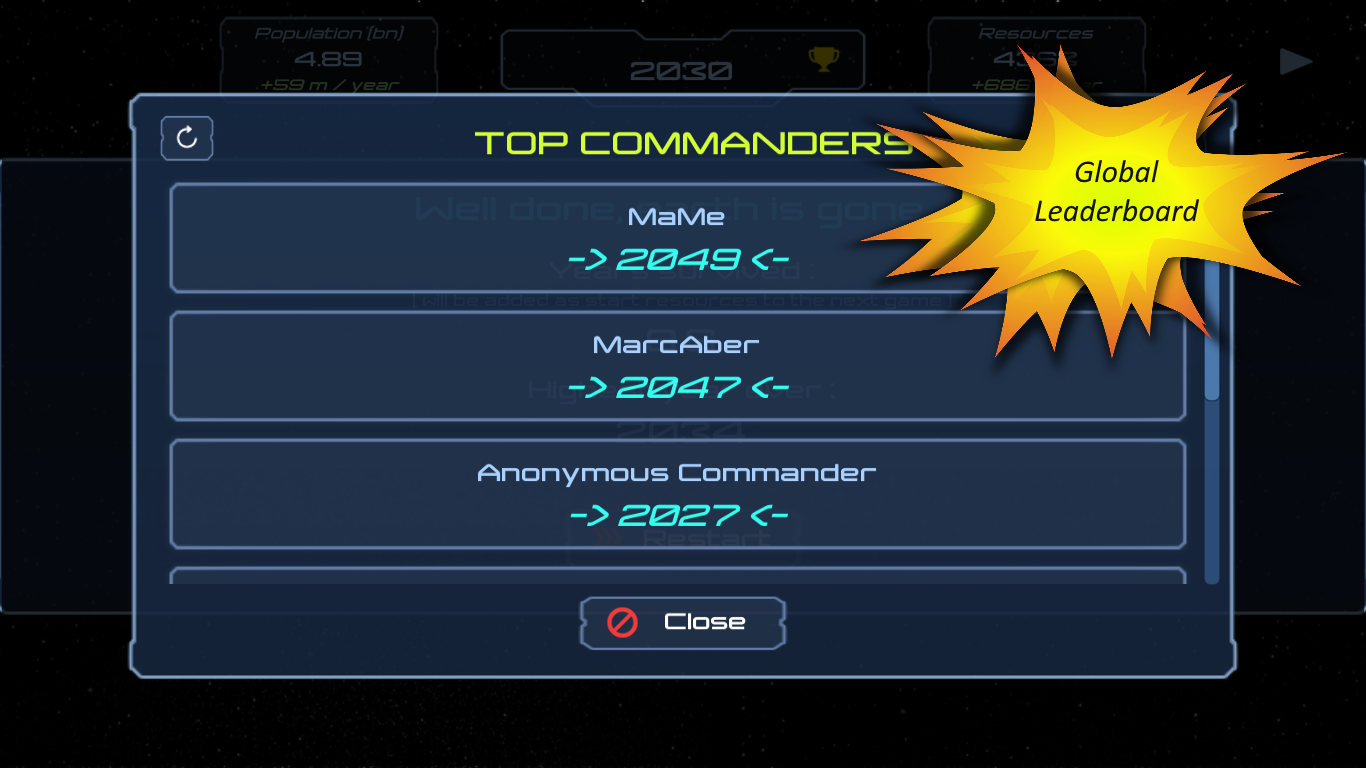
Global leaderboards for each game mode.
Simple but Demanding
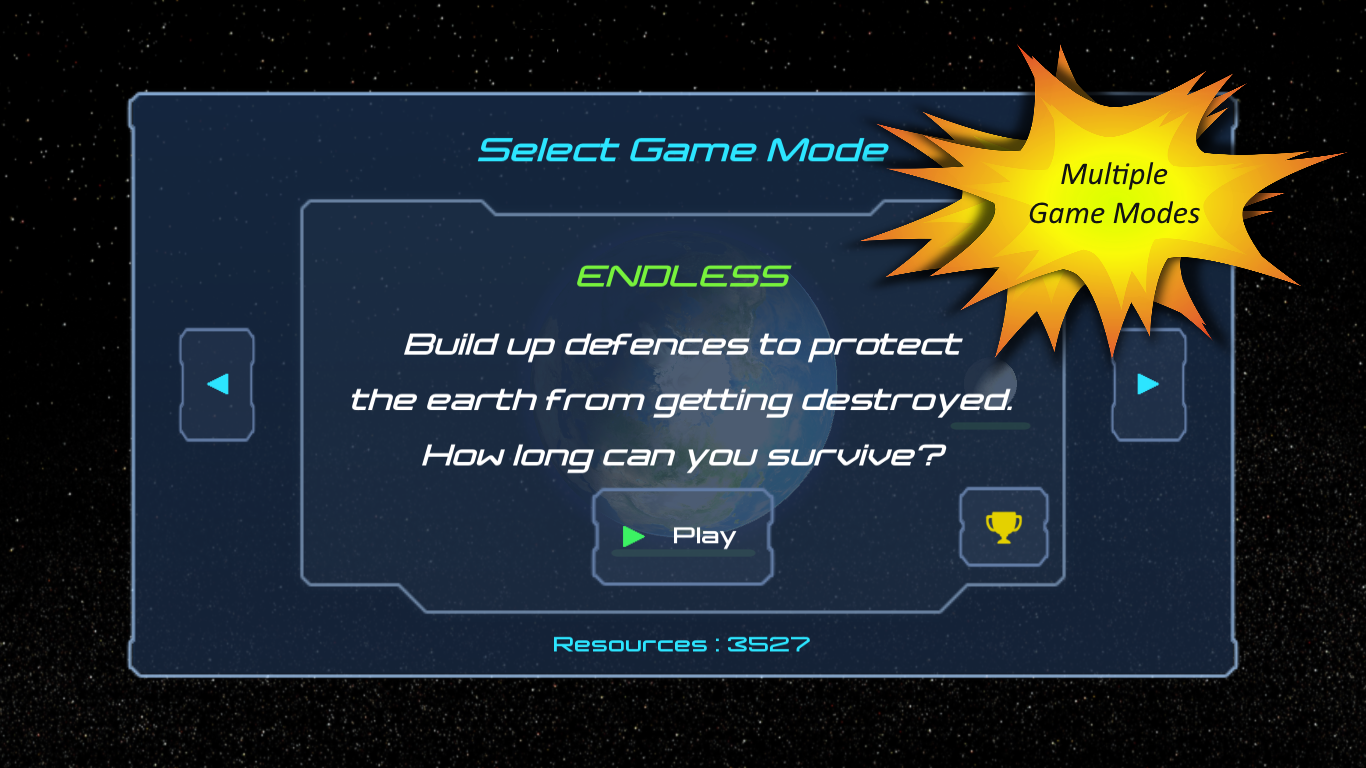
Easy to learn, hard to master! Can you find the perfect strategy to survive as long as no other commander ever?
Fast
A match duration typically varies between 5 and 15 minutes.
Tutorial
Gameplay
Tap on asteroids to apply damage. Destroy them before they hit the Earth or the Moon. What could be easier?
Population
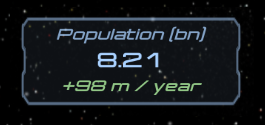
The population interface displays the current amount of people on Earth in billion and the actual population growth in million per year.
Every time the earth takes damage the same percentage of the population dies. Also if the Moon was destroyed half of the current population dies from its effects.
Resources
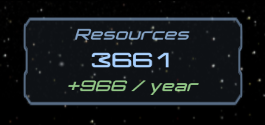
The resource interface displays the current amount of resources on Earth and the actual resource growth per year.
dynamically by the population multiplied by the current "economy" upgrade factor
statically by robots depending on the actual "robotic mining" upgrade level
by playing the game you gather persistent start resources which are equal to the number of years you suvived
Generally the population based income scales a lot better than robotic mining but has the risk to be useless if many people die from Earth damage or Moon destruction.
Commander Interface
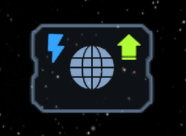
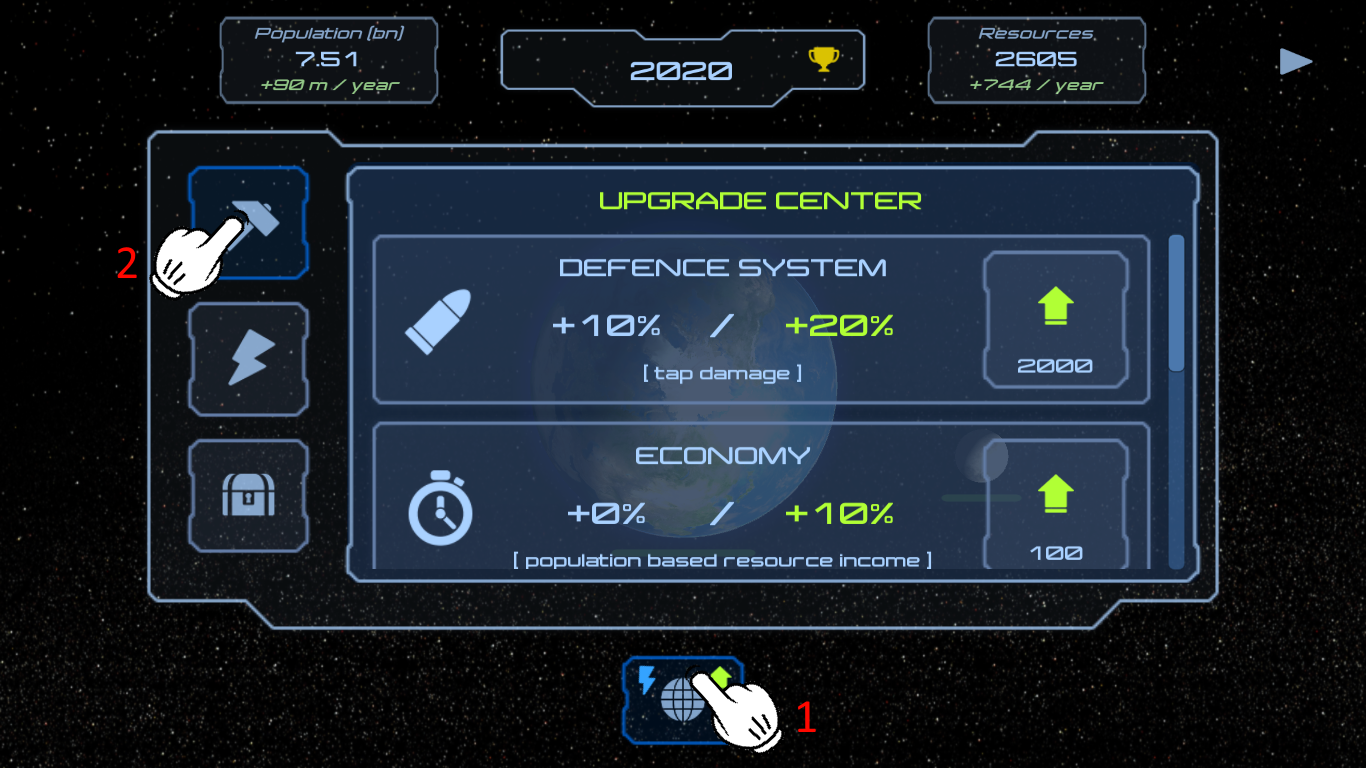
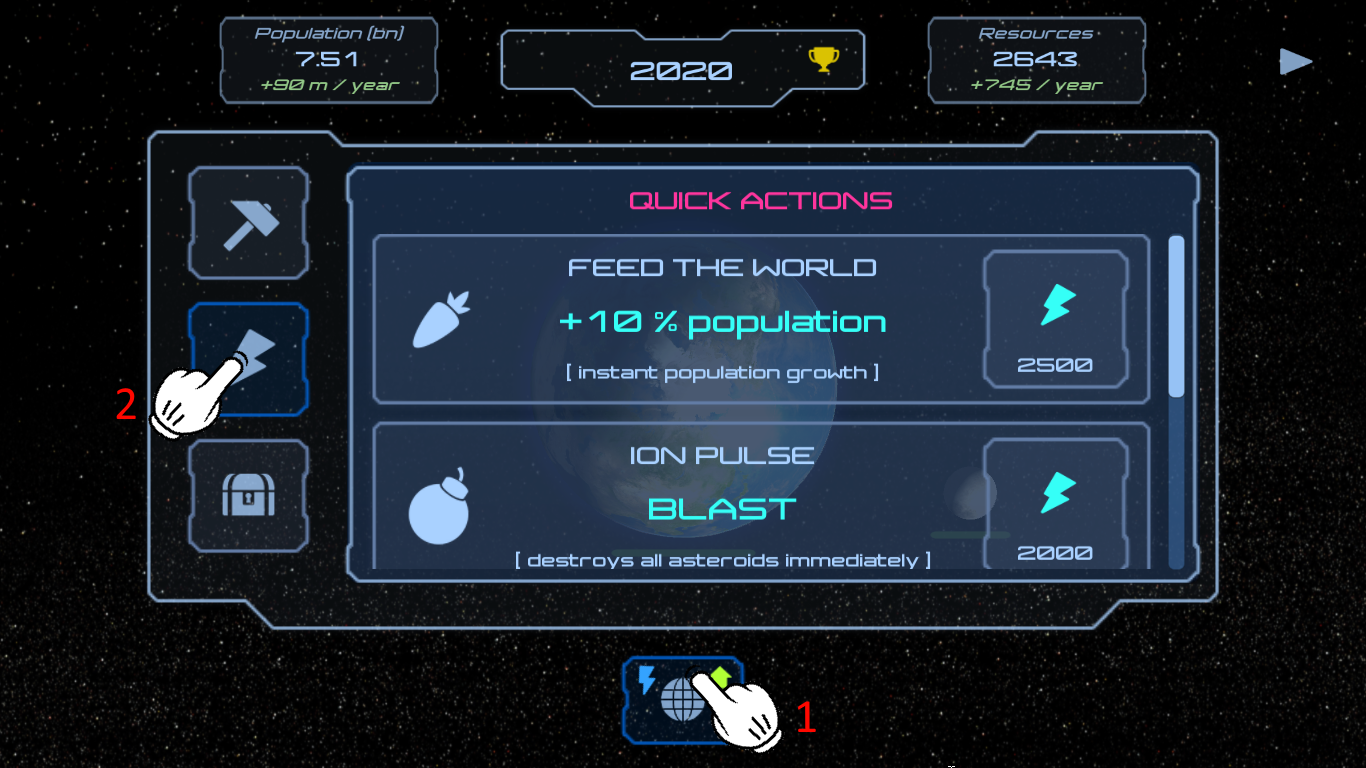
The commander interface lets you upgrade infrastructure or perform quick actions.
The blue flash icon indicates that you have enough resources perform a quick action. The green arrow icon indicates that you have enough resources to upgrade infrastructure.
There are multiple quick actions which you can buy for resources:
FEED THE WORLD - increases your population instant by 10%
ION PULSE - destroy every incoming asteroid
TERRAFORMING - completely repair the Earth and reset the population limit
MOON REPAIR DRONE - completely repair the Moon
Every time a quick action is used it becomes more expensive.
Power-Ups
If asteroids are destroyed they have a chance to leave a power-up which you can collect. These power-ups effect the gamplay for a small amount of time.
There are 5 types of power-ups (left to right):
REPAIR - repairs the earth by a small amount
SPEED UP - speeds every incoming asteroid up - this is NOT good!
ION PULSE - destroy every incoming asteroid
SPEED DOWN - slows every incoming asteroid down
DAMAGE - increases your tap damage
The bigger the asteroid the bigger is the chance for a power-up.
Aliens
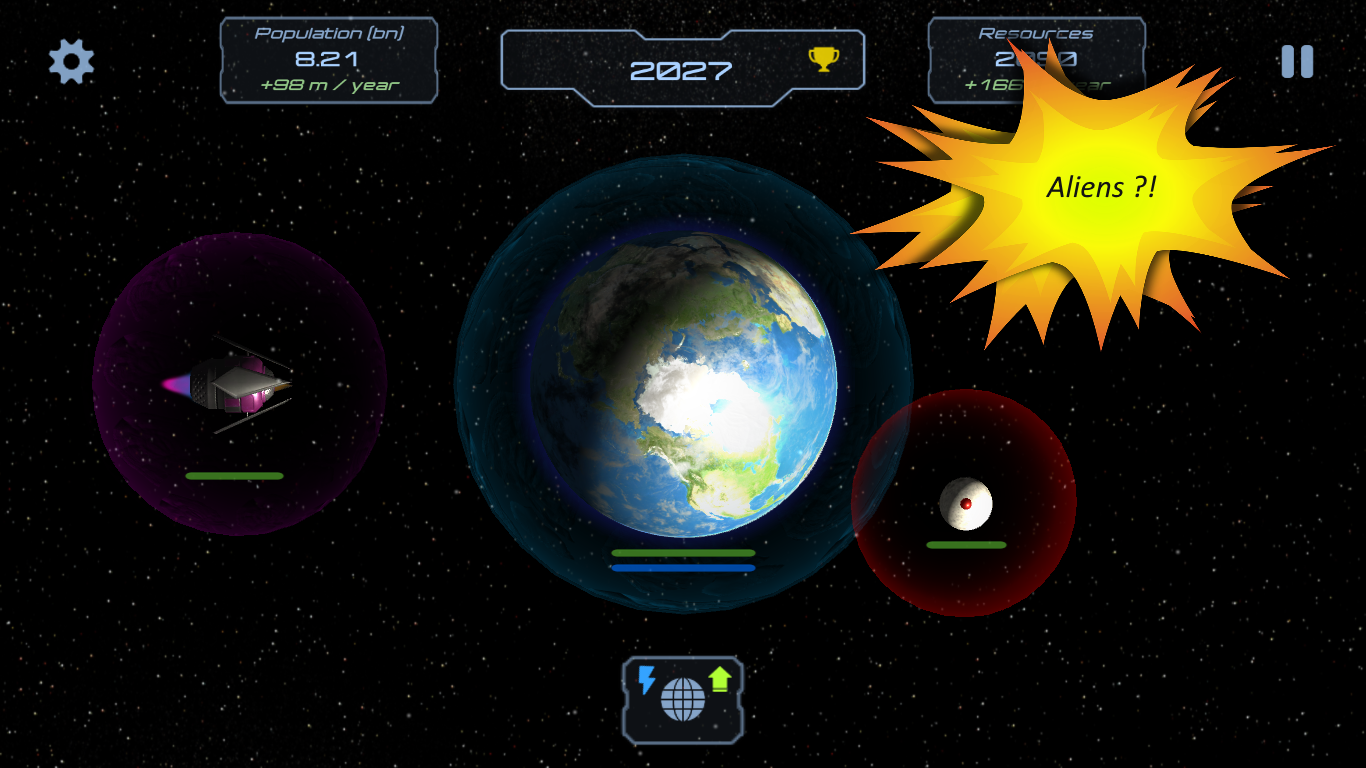
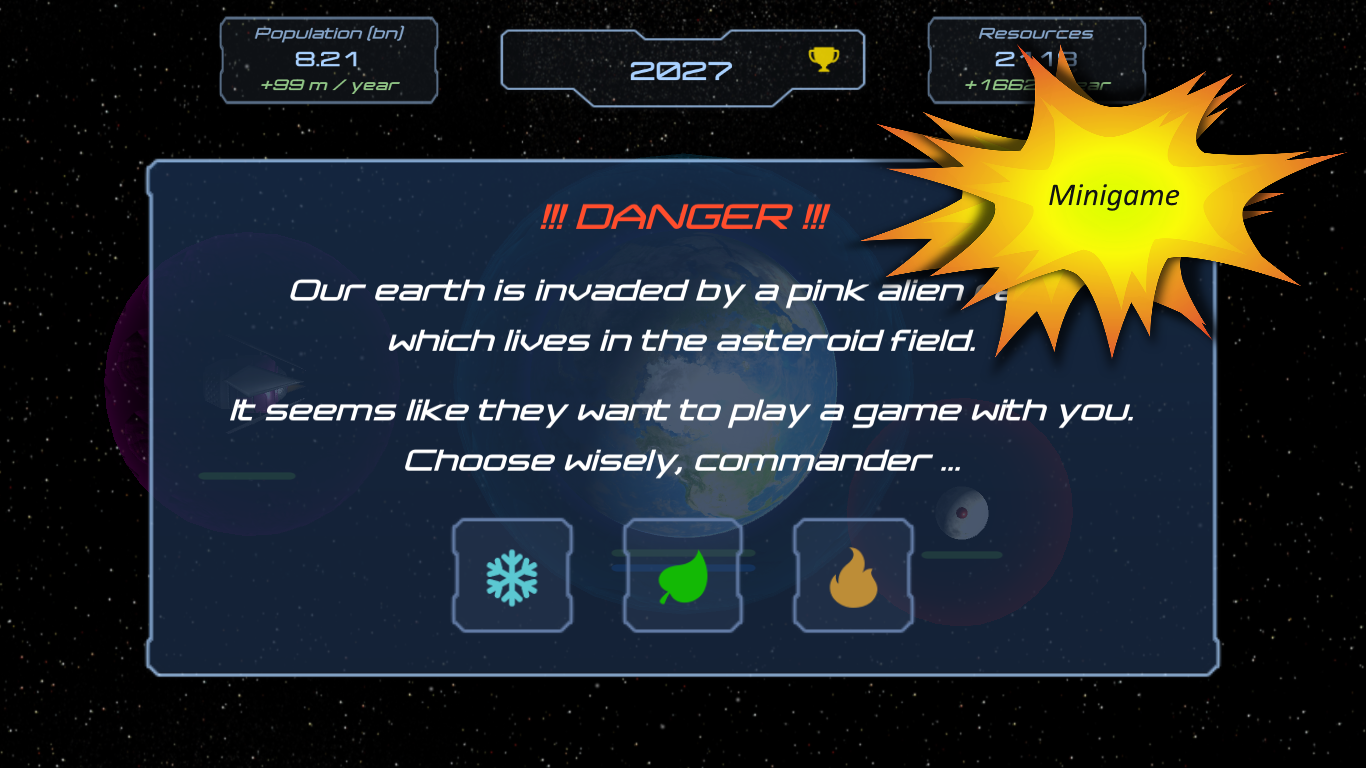
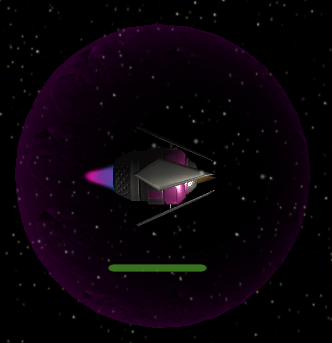
There's a pink alien race which lives in the asteroid field. From time to time they visit the earth peacefully and want to play a game with you.
Their riddle has always a chance to fail, but you can improve your chances by chosing the right symbol.
The sun is the key.
Leaderboard
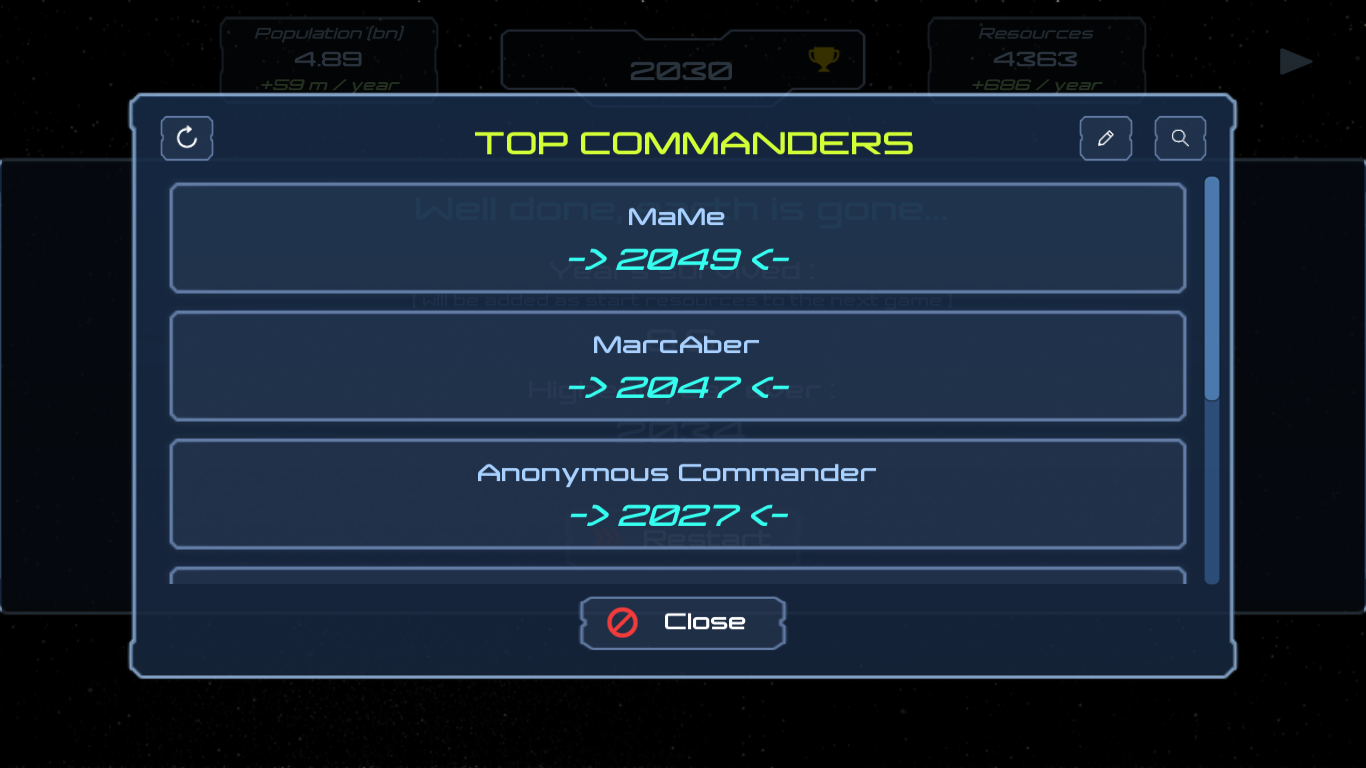
Each game mode has a global leaderboard which you can view in the mode selection screen or directly in game by tapping the trophy icon next to the current year.
You can change your display name by clicking the pencil in the top right corner.
Your next highscore gets badge if you configure your game to "start with 0 resources" in the settings menu.
Earth Crush 2020
A tap game, independently crafted with love and dedication.
Year 2020 - Our planet earth is facing a gigantic asteroid field which was hidden in the dark. Fortunately, the earth defence system can destroy asteroids by tapping on them.
Good luck, commander...
Privacy Policy
Effective date: December 01, 2021
NiMeDia ("us", "we", or "our") operates the https://earthcrush2020.nimedia.rocks website and the Earth Crush 2020 mobile application (hereinafter referred to as the "Service").
This page informs you of our policies regarding the collection, use, and disclosure of personal data when you use our Service and the choices you have associated with that data. This Privacy Policy for Earth Crush 2020 is powered by PrivacyPolicies.com.
We use your data to provide and improve the Service. By using the Service, you agree to the collection and use of information in accordance with this policy. Unless otherwise defined in this Privacy Policy, the terms used in this Privacy Policy have the same meanings as in our Terms and Conditions.
Information Collection And Use
We collect several different types of information for various purposes to provide and improve our Service to you.
Types of Data Collected
Personal Data
While using our Service, we may ask you to provide us with certain personally identifiable information that can be used to contact or identify you ("Personal Data"). Personally identifiable information may include, but is not limited to:
Cookies
Usage Data
Usage Data
We may also collect information that your browser sends whenever you visit our Service or when you access the Service by or through a mobile device ("Usage Data").
This Usage Data may include information such as your computer's Internet Protocol address (e.g. IP address), browser type, browser version, the pages of our Service that you visit, the time and date of your visit, the time spent on those pages, unique device identifiers and other diagnostic data.
When you access the Service with a mobile device, this Usage Data may include information such as the type of mobile device you use, your mobile device unique ID, the IP address of your mobile device, your mobile operating system, the type of mobile Internet browser you use, unique device identifiers and other diagnostic data.
Tracking & Cookies Data
We use cookies and similar tracking technologies to track the activity on our Service and hold certain information.
Cookies are files with small amount of data which may include an anonymous unique identifier. Cookies are sent to your browser from a website and stored on your device. Tracking technologies also used are beacons, tags, and scripts to collect and track information and to improve and analyze our Service.
You can instruct your browser to refuse all cookies or to indicate when a cookie is being sent. However, if you do not accept cookies, you may not be able to use some portions of our Service.
Examples of Cookies we use:
Session Cookies. We use Session Cookies to operate our Service.
Preference Cookies. We use Preference Cookies to remember your preferences and various settings.
Security Cookies. We use Security Cookies for security purposes.
Collection of Data
For a better experience, while using our Service, we may require you to provide us with certain personally identifiable information. The information that we request will be retained by us and used as described in this privacy policy.
The app does use third-party services that may collect information used to identify you.
Link to the privacy policy of third-party service providers used by the app:
NiMeDia uses the collected data for various purposes:
To provide and maintain the Service
To notify you about changes to our Service
To allow you to participate in interactive features of our Service when you choose to do so
To provide customer care and support
To provide analysis or valuable information so that we can improve the Service
To monitor the usage of the Service
To detect, prevent and address technical issues
Transfer Of Data
Your information, including Personal Data, may be transferred to — and maintained on — computers located outside of your state, province, country or other governmental jurisdiction where the data protection laws may differ than those from your jurisdiction.
If you are located outside Germany and choose to provide information to us, please note that we transfer the data, including Personal Data, to Germany and process it there.
Your consent to this Privacy Policy followed by your submission of such information represents your agreement to that transfer.
NiMeDia will take all steps reasonably necessary to ensure that your data is treated securely and in accordance with this Privacy Policy and no transfer of your Personal Data will take place to an organization or a country unless there are adequate controls in place including the security of your data and other personal information.
Disclosure Of Data
Legal Requirements
NiMeDia may disclose your Personal Data in the good faith belief that such action is necessary to:
To comply with a legal obligation
To protect and defend the rights or property of NiMeDia
To prevent or investigate possible wrongdoing in connection with the Service
To protect the personal safety of users of the Service or the public
To protect against legal liability
Security Of Data
The security of your data is important to us, but remember that no method of transmission over the Internet, or method of electronic storage is 100% secure. While we strive to use commercially acceptable means to protect your Personal Data, we cannot guarantee its absolute security.
Service Providers
We may employ third party companies and individuals to facilitate our Service ("Service Providers"), to provide the Service on our behalf, to perform Service-related services or to assist us in analyzing how our Service is used.
These third parties have access to your Personal Data only to perform these tasks on our behalf and are obligated not to disclose or use it for any other purpose.
Links To Other Sites
Our Service may contain links to other sites that are not operated by us. If you click on a third party link, you will be directed to that third party's site. We strongly advise you to review the Privacy Policy of every site you visit.
We have no control over and assume no responsibility for the content, privacy policies or practices of any third party sites or services.
Children's Privacy
These Services do not address anyone under the age of 13.
We do not knowingly collect personally identifiable information from children under 13 years of age. In the case we discover that a child under 13 has provided us with personal information, we immediately delete this from our servers. If you are a parent or guardian and you are aware that your child has provided us with personal information, please contact us so that we will be able to do the necessary actions.
Changes To This Privacy Policy
We may update our Privacy Policy from time to time. We will notify you of any changes by posting the new Privacy Policy on this page.
We will let you know via email and/or a prominent notice on our Service, prior to the change becoming effective and update the "effective date" at the top of this Privacy Policy.
You are advised to review this Privacy Policy periodically for any changes. Changes to this Privacy Policy are effective when they are posted on this page.
Contact Us
If you have any questions about this Privacy Policy, please contact us: